
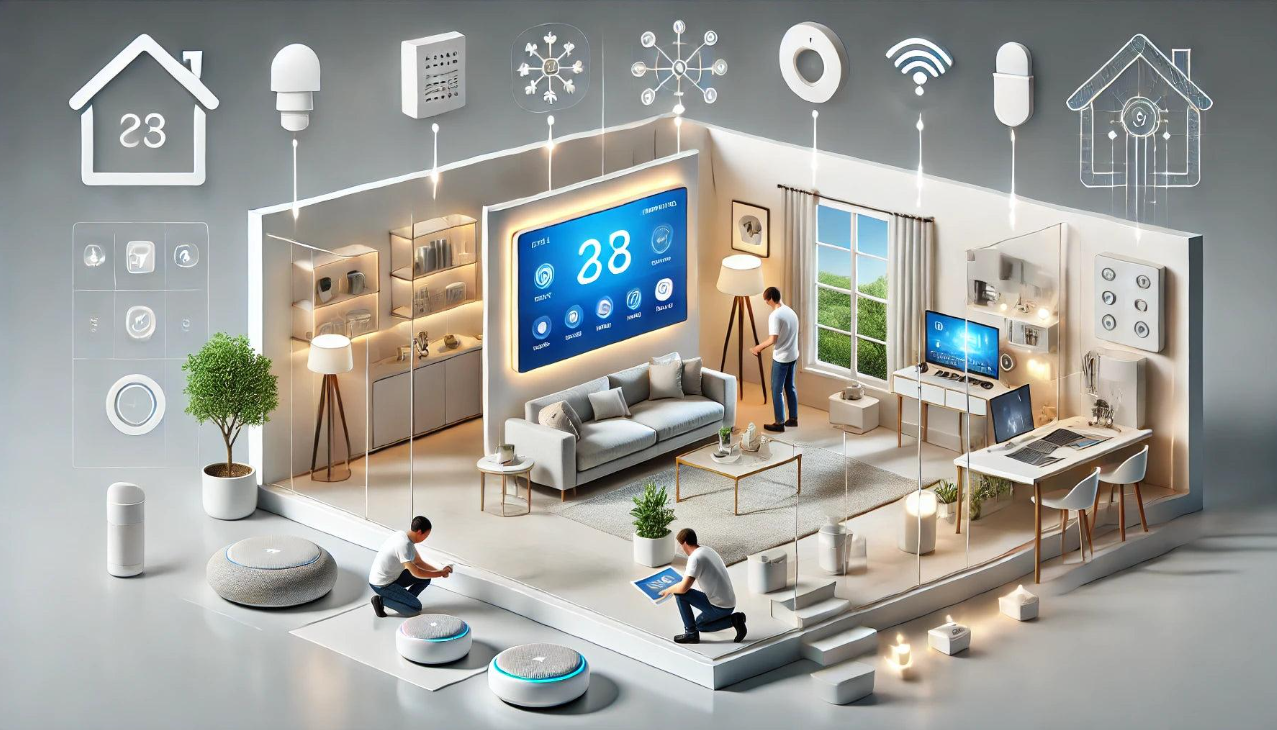
10 Smart Home Devices Worth Considering for Your Home
Smart home technology is changing the way people interact with their homes. From controlling lights with a smartphone to monitoring electricity consumption remotely, modern devices can make everyday household tasks easier and more convenient.
However, building a smart home does not mean purchasing every new gadget available. The best approach is to choose devices that solve real problems, improve comfort or help manage household energy use.
Whether you are just getting started or planning to upgrade your existing home, here are 10 smart home devices worth considering.
1. Smart Plugs
Smart plugs are among the easiest ways to introduce automation into a home.
They connect to standard electrical outlets and allow compatible appliances to be controlled through a smartphone app or a voice assistant.
Depending on the model, useful features may include:
- Remote on and off control.
- Scheduling appliances to switch on or off.
- Timer functions.
- Electricity consumption monitoring.
- Integration with other smart home devices.
For example, you could schedule a compatible lamp to switch off automatically at bedtime.
What to consider: Check the plug’s voltage, current rating, socket compatibility and supported smart home platform before purchasing. Never connect an appliance that exceeds its rated capacity.
2. Smart LED Bulbs
Smart LED bulbs combine energy-efficient lighting with convenient control features.
Instead of operating only through a traditional wall switch, many smart bulbs can be controlled using a mobile application or voice commands.
Depending on the product, features may include:
- Adjustable brightness.
- Different lighting colors.
- Scheduling and timers.
- Remote control.
- Automated lighting routines.
For example, you could schedule bedroom lights to turn off automatically at a particular time.
What to consider: Check the bulb base, wattage, brightness, Wi-Fi or Bluetooth requirements and compatibility with your existing fixtures.
3. Smart Thermostats
Smart thermostats help manage heating and cooling systems by allowing users to adjust temperature settings and schedules.
Some models can learn usage patterns, detect occupancy or provide energy reports.
Potential benefits include:
- Remote temperature control.
- Scheduled heating and cooling.
- Energy usage insights.
- Automatic temperature adjustments.
- Integration with compatible smart home systems.
These devices are particularly useful in homes with compatible central heating or cooling systems.
What to consider: Not every thermostat works with every HVAC system. Check wiring, voltage and equipment compatibility before buying.
4. Smart Security Cameras
Smart security cameras allow homeowners to monitor selected areas of their property through connected devices.
Many models offer features such as:
- Live video streaming.
- Motion detection.
- Smartphone notifications.
- Night vision.
- Two-way audio.
- Cloud or local video storage.
Some cameras can also distinguish between people, animals and other movement, depending on their technology.
What to consider: Review video quality, storage costs, privacy settings, internet requirements and the manufacturer’s security update policy.
5. Smart Door Locks
Smart door locks offer additional ways to manage access to a home.
Depending on the model, users may be able to unlock doors through a smartphone, PIN code, fingerprint or physical key.
Common features include:
- Keyless entry.
- Temporary access codes.
- Remote locking.
- Automatic locking.
- Access activity records.
These features can be useful for households that regularly share access with family members or trusted visitors.
What to consider: Check door compatibility, backup access methods, battery life and security features. Keep a reliable alternative entry method in case the electronic system stops working.
6. Smart Motion Sensors
Motion sensors detect movement in a specific area and can trigger actions through a compatible smart home system.
For example, a sensor could automatically turn on hallway lighting when someone enters a room.
Other possible uses include:
- Automatic lighting.
- Room occupancy detection.
- Security alerts.
- Smart home routines.
- Monitoring activity in selected areas.
What to consider: Check the detection range, installation requirements, battery life and compatibility with your smart home hub or platform.
7. Smart Energy Monitors
Smart energy monitors help users understand how much electricity their homes consume.
Some devices monitor electricity usage at the main electrical panel, while others measure the consumption of individual appliances.
Depending on the model, they may provide:
- Real-time energy readings.
- Historical electricity usage.
- Consumption reports.
- Estimated electricity costs.
- Notifications about unusual usage.
Monitoring energy consumption can help identify appliances or habits that contribute significantly to electricity expenses.
What to consider: Check electrical compatibility, installation requirements, measurement accuracy and whether professional installation is necessary. Panel-level monitors should be installed by a qualified electrician.
8. Smart Speakers and Voice Assistants
Smart speakers allow users to interact with compatible smart home devices using voice commands.
They can also perform everyday tasks such as playing music, setting alarms, answering general questions and providing reminders.
Common smart home uses include:
- Controlling compatible lights.
- Managing smart plugs.
- Setting household routines.
- Adjusting compatible thermostats.
- Receiving information through voice commands.
What to consider: Compare supported languages, privacy controls, voice assistant compatibility and the devices supported by the platform.
9. Smart Water Leak Sensors
Water leaks can cause expensive damage if they remain unnoticed for long periods.
Smart water leak sensors are designed to detect water in selected locations and send alerts to connected devices.
They can be placed near:
- Washing machines.
- Water heaters.
- Kitchen sinks.
- Bathrooms.
- Water pipes.
Some advanced systems can also connect to automatic water shutoff valves.
What to consider: Check notification reliability, battery life, sensor placement and whether the device requires a separate hub.
10. Smart Curtains and Blinds
Smart curtains and blinds make it possible to control window coverings through an application, remote control or compatible automation system.
Some models support scheduled opening and closing, which can help manage natural light and indoor temperatures.
Possible features include:
- Scheduled operation.
- Remote control.
- Voice assistant integration.
- Light-based automation.
- Smartphone control.
For example, you could schedule curtains to close during particularly sunny afternoons to reduce unwanted indoor heat.
What to consider: Check window dimensions, curtain weight, motor compatibility, power requirements and installation arrangements.
How to Choose the Right Smart Home Devices
Before purchasing smart home technology, consider what you actually need.
Here are a few important factors:
1. Check Compatibility
Not every smart device works with every platform. Check whether your preferred devices support the same ecosystem, such as Google Home, Apple Home or Amazon Alexa.
2. Consider Your Budget
You do not need to automate your entire home immediately. Start with one or two useful devices and expand gradually.
3. Check Wi-Fi Requirements
Some devices require a stable Wi-Fi connection, while others use Bluetooth, Zigbee, Thread or a dedicated hub.
Check the connectivity requirements before buying.
4. Prioritize Security and Privacy
Connected devices collect and transmit information. Choose reputable manufacturers, use strong passwords, enable available security features and install firmware updates.
Also review microphone, camera and data-sharing permissions.
5. Look Beyond the Purchase Price
Some smart devices require subscriptions, replacement batteries, additional hubs or installation services.
Consider these ongoing expenses when comparing products.
Can Smart Home Devices Help Reduce Electricity Bills?
Yes, certain smart home devices can help reduce unnecessary electricity consumption.
For example:
- Smart plugs can schedule compatible appliances to switch off.
- Smart LED bulbs can automate lighting.
- Smart thermostats can manage heating and cooling schedules.
- Energy monitors can help identify high-consumption appliances.
- Smart curtains can help manage sunlight and indoor heat.
However, smart devices do not automatically guarantee lower electricity bills. Savings depend on how they are configured, the appliances they control and household usage habits.
Frequently Asked Questions
1. What is the most useful smart home device for beginners?
Smart plugs and smart LED bulbs are popular starting points because they are generally easy to install and can introduce basic automation without major home modifications.
2. Do smart home devices need Wi-Fi?
Many smart home devices use Wi-Fi, but some use Bluetooth, Zigbee, Thread or other communication technologies. Requirements vary by product.
3. Are smart home devices expensive?
Not necessarily. Basic smart plugs and bulbs are often relatively affordable, while advanced security systems, smart thermostats and automated curtains can cost more.
4. Can smart home devices work without the internet?
Some devices support local control through Bluetooth or a compatible hub. However, remote access, cloud features and certain integrations may require an internet connection.
5. Are smart home devices safe?
They can be safe when properly configured and maintained. Use strong passwords, enable two-factor authentication where available, update firmware and purchase products from reputable manufacturers.
6. Do smart home devices consume electricity?
Yes. Connected devices generally use some electricity, even when idle. Their consumption varies by device and model.
Final Thoughts
Smart home technology can make everyday life more convenient, improve home security and help households understand their energy consumption.
You do not need to purchase everything at once. Start with devices that address your most important needs, check compatibility and gradually build a system that works for your home.
The smartest home is not necessarily the one with the most devices. It is the one where technology makes everyday living simpler, safer and more efficient.
Explore more practical smart home guides and energy-saving advice with EnerNest.